Ripple (XRP) transfers on an explorer: where the tag shows and what to compare it with
When a deposit does not appear, the ledger is the one witness that has no stake in the outcome. An explorer shows what the network recorded, which can differ from what you meant to send.
This note is about reading that record, not about what comes after.
Which explorer should I use?
Two operators name one. Roobet's deposit article points XRP senders to XRPScan, and the Duelbits network table lists xrpscan.com as the explorer for XRP. Any reputable explorer reads the same ledger, so the choice is a matter of comfort.
You need the transaction hash from your wallet. Without it you are matching by amount and time, which is slow and error prone.
What does the record show?
Four things matter. The result, which says whether the payment succeeded. The destination address, which should match the casino's. The destination tag, which should match the number on the deposit screen. And the amount and time.
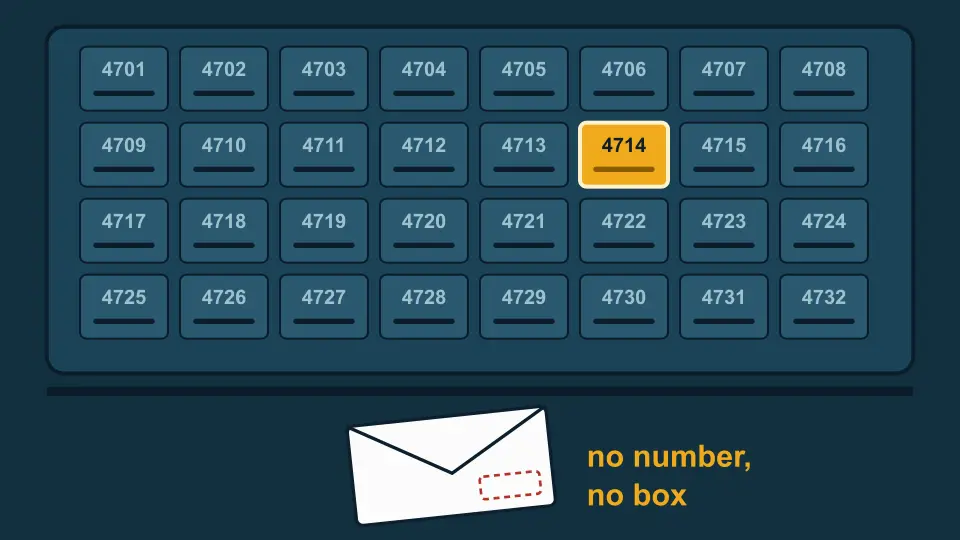
A transaction with no destination tag line is a transaction that carried none. A tag you did not expect is a sign that something filled the box for you.
Incorrect destination tag
If the record shows a different tag than the screen did, the payment went to whichever customer the casino has mapped to that number. The ledger cannot object, because it does not know whose number it is. Coinbase's help page on the same situation tells senders to contact support with the transaction hash, which is why you want it to hand before anything else.
Whether any operator can or will help is a matter for that operator. The only claim this site makes is that the hash and the record are the evidence.
FAQ
Can an explorer show me who owns a tag?
No. A tag is just a number on the ledger. Only the receiving business knows which customer it maps to.
What do I need to compare?
Destination address, destination tag, result, amount and time. Compare each with the deposit screen you copied from.